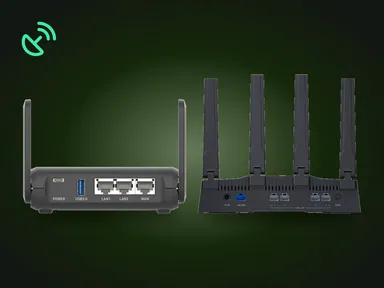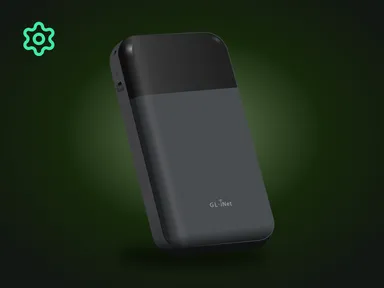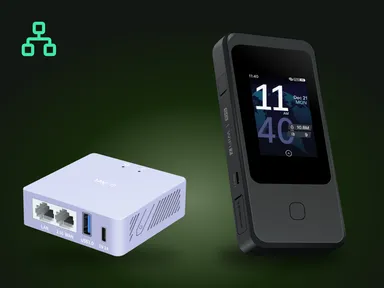
GL.iNet VPN routers are powerful devices designed to raise your level of privacy and security online. These routers support two VPN protocols: OpenVPN and WireGuard. Both protocols are widely adopted and highly regarded, providing compatibility with nearly every major VPN provider, including Mullvad, ProtonVPN, and NordVPN.
On top of that, GL.iNet routers make VPN setup simple thanks to an intuitive web admin panel or the GL.iNet app, available for iPhone and Android.
OpenVPN: a time-tested choice
OpenVPN is a reliable VPN protocol that has been the standard for secure internet connections since its release in 2001. Known for its robust encryption and flexibility, OpenVPN uses SSL/TLS for high-grade protection, giving you dependable control over your data and preventing it from being intercepted.
One of OpenVPN’s biggest advantages is its configurability. It supports numerous encryption standards and works over both TCP and UDP, letting users balance connection stability and speed to suit their preferences. While OpenVPN delivers exceptional security, it is relatively resource-intensive, which can lead to lower connection speeds compared with newer protocols. That said, GL.iNet routers are equipped to run OpenVPN efficiently, delivering security and reliability for users who prioritize privacy and encryption.
WireGuard: the next generation of VPN protocols
WireGuard is a modern VPN protocol designed for lightweight, fast, and highly secure data transfer. Thanks to its streamlined codebase, it is easier to audit and maintain than older protocols, which makes flaws in it easier to find and fix.
WireGuard uses state-of-the-art cryptography, such as the ChaCha20 encryption algorithm, which provides an enhanced level of security while minimizing data-processing overhead. Unlike OpenVPN, WireGuard establishes connections almost instantly and is optimized for high-speed operation. It needs few system resources, which gives higher connection speeds on the modest processors of GL.iNet routers.
WireGuard’s design simplifies configuration and operation by avoiding unnecessary complexity. As a result, WireGuard is a popular choice for users who want speed and ease of use while still benefiting from top-tier encryption.
Compatibility with VPN services
OpenVPN and WireGuard are widely supported by virtually every leading VPN provider. Services such as ProtonVPN, NordVPN, Surfshark, and others offer configuration files or apps that are fully compatible with GL.iNet routers. This lets users quickly connect their devices to their provider of choice, and support for both protocols is available on most subscription plans.
Choosing between OpenVPN and WireGuard often comes down to individual needs. OpenVPN suits users who prefer a long-established protocol with maximum flexibility. WireGuard, on the other hand, suits those who prioritize speed and simplicity.
Easy VPN setup on GemiGuard GL.iNet routers
GL.iNet routers are built with user convenience in mind, making VPN setup simple even for beginners. You can connect your router to your chosen VPN service in just a few minutes using one of two easy methods.
1. The web admin panel
The web interface lets you upload the VPN configuration files provided by your chosen service. These files contain all the necessary data, including server addresses and encryption keys. Once uploaded, the router automatically configures the settings, letting you enable or disable the VPN connection with a single click.
2. The GL.iNet app
For even greater convenience, GL.iNet offers a mobile app available for iPhone / iPad and Android devices. The app features an intuitive interface for managing your router and VPN settings. You can upload configuration files, select servers, and monitor the connection directly from your smartphone.
Both methods support OpenVPN and WireGuard, ensuring easy integration of any VPN service with your router.
Why choose a VPN router?
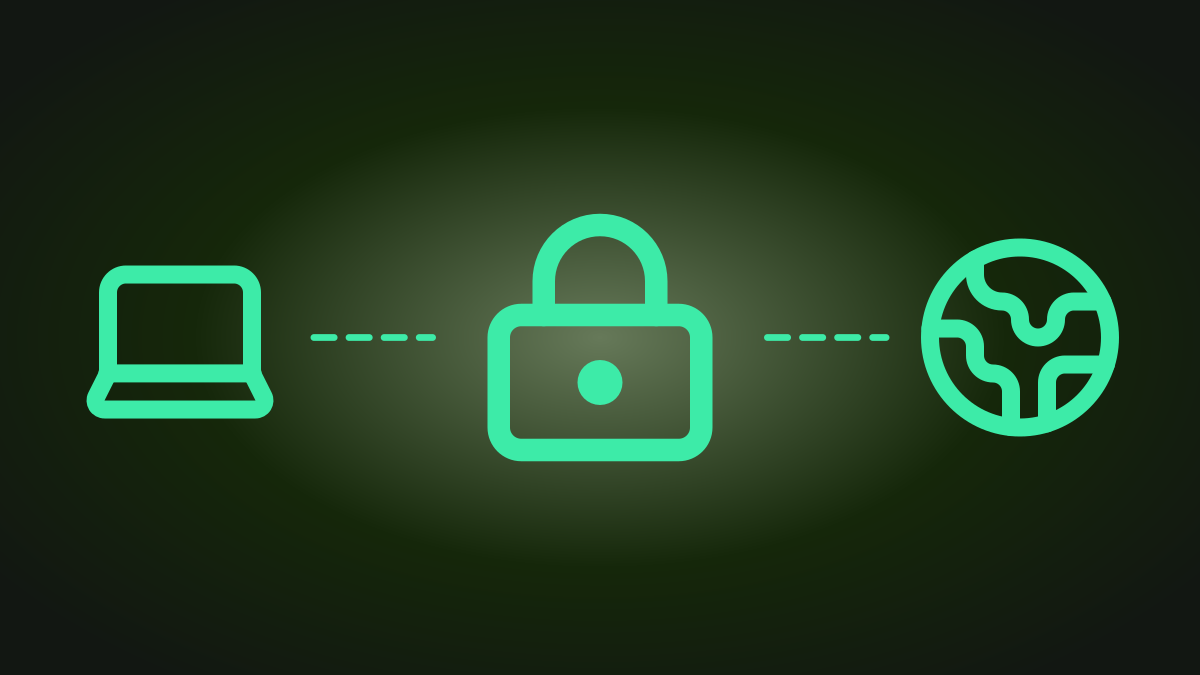
Using a VPN router like those offered by GL.iNet has significant advantages over installing VPN software on individual devices. A VPN router automatically encrypts the internet traffic for every connected device, which removes the need to install separate VPN apps on each one. This is especially useful for devices such as smart TVs and gaming consoles that may not support VPN apps.
GL.iNet routers offer more than standard VPN features, providing access to advanced capabilities such as selective routing. This feature lets users exclude specific devices or websites from the VPN connection. This level of customization lets you tune performance for video streaming, gaming, or access to local resources while maintaining a high level of security.
Conclusion
GL.iNet routers support OpenVPN and WireGuard as a client and as a server and work with most commercial VPN services.
Whether you choose OpenVPN for its proven track record or WireGuard for its speed and efficiency, GL.iNet routers make setting up and using a VPN simple. With support for nearly every major VPN service and a user-friendly interface, GL.iNet routers are an excellent choice for anyone looking to raise their level of privacy and security online.
GemiGuard VPN on WireGuard. In addition to supporting third-party VPN providers, we offer our own premium WireGuard VPN service with optimizations purpose-built for GL.iNet mobile routers. The GemiGuard VPN page →
See also: GL.iNet VPN routers wholesale.