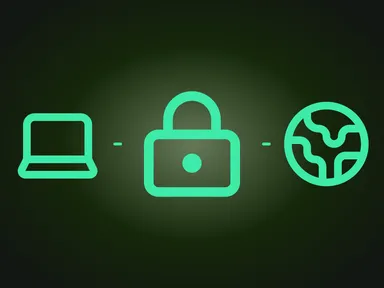
Tailscale is a mesh VPN that joins your devices into a single private, encrypted network no matter where they physically are. Unlike a classic VPN, where all traffic flows through one central server, Tailscale builds direct encrypted tunnels between the devices themselves. At its core is the WireGuard protocol — the same one GL.iNet routers run as a VPN client and server.
What is Tailscale?
Tailscale is a service that creates a private network (a tailnet, in Tailscale’s own terms) on top of the ordinary Internet. You install a client on each device — laptop, phone, server or router — sign in with a familiar account (Google, Microsoft, GitHub or email), and every one of those devices instantly “sees” the others by private IP address, as though they shared one local network.
The key difference from a traditional VPN is topology. A classic VPN uses a hub-and-spoke model: every client connects to a central gateway, and even two neighbouring devices talk through it. Tailscale instead builds a full-mesh network: devices set up direct peer-to-peer tunnels with one another. The central infrastructure is there so devices can find each other and exchange keys; your traffic runs directly between devices and passes through Tailscale’s relays, still encrypted, only when no direct path exists.
How Tailscale works: the technology
Tailscale splits the network into two independent planes: a control plane that coordinates devices, and a data plane that carries your traffic.
WireGuard at the core
All traffic in Tailscale is encrypted with WireGuard. That means modern cryptography: a Noise-based key exchange over Curve25519, ChaCha20-Poly1305 symmetric encryption and BLAKE2s hashing. WireGuard is known for its tiny codebase (a few thousand lines against the hundreds of thousands in OpenVPN), which makes it easier to audit and shrinks the attack surface. Private keys never leave the device — Tailscale’s coordination server only ever exchanges public keys.
The coordination server (control plane)
The coordination server is the “bulletin board” of your tailnet. Each device reports its public key and its current network coordinates (the addresses at which it can be reached). The server hands that information to other authorised devices and applies access-control policies (ACLs). The coordination server never sees your traffic — it only handles the metadata needed to establish a connection.
NAT traversal and DERP relays
Most devices sit behind NAT — they have no “public” routable IP address. Tailscale automatically traverses NAT using hole punching (built on STUN): two devices send packets toward each other at the same time, punching an opening through their routers. When a direct tunnel simply cannot be established (strict symmetric NAT, corporate firewalls), traffic falls back through Tailscale’s DERP relays. Even then, the relay only ever sees encrypted WireGuard packets — it cannot decrypt them, because it holds no keys.
MagicDNS and access control
MagicDNS assigns each device a human-readable name inside the tailnet, so instead of memorising IPs you reach a device by name. Access is governed by ACLs that spell out who may connect to what. A new tailnet starts with a default policy that lets every device reach every other device; you get a zero-trust model by writing rules that grant each device only the access it needs.
Identity instead of shared keys
A classic VPN usually relies on a shared secret or a certificate. Tailscale instead ties access to user identity through your single sign-on (SSO) provider. Onboarding a new team member means granting them access in the account; revoking it means switching them off in the same place. There are no config files to hand around by hand, and no keys left “lying around forever” after someone leaves.
How Tailscale compares to VPN, WireGuard, Tor and Cloudflare WARP
Tailscale is often lined up next to a classic VPN, “raw” WireGuard, Tor and Cloudflare WARP, even though each serves a different purpose.
Tailscale vs a classic VPN
A commercial VPN (NordVPN, ProtonVPN, Mullvad and so on) solves the problem of “hide my public IP and encrypt my way out to the wider Internet.” Tailscale solves a different one — “let my own devices talk to each other securely.” A classic VPN is a hub with a central server; Tailscale is a mesh of direct tunnels. That said, they are not mutually exclusive: Tailscale can route all traffic through a chosen device (an exit node), reproducing the behaviour of an ordinary VPN whenever you need it.
Tailscale vs “raw” WireGuard
Tailscale is built on WireGuard, so their encryption performance is identical. The difference is orchestration. Raw WireGuard requires you to generate key pairs by hand, list every peer in the config, hand out static IPs and solve NAT traversal yourself. Tailscale automates all of it: key registration, peer discovery, hole punching, key rotation and ACLs. With two nodes, hand-rolled WireGuard is simple; with dozens of devices that keep changing networks, Tailscale saves hours of setup. On GL.iNet routers both approaches are available.
Tailscale vs Tor
Tor and Tailscale solve opposite problems. Tor is a network for anonymity: your traffic passes through three random nodes to hide who you are, at a heavy cost in speed. Tailscale is the reverse — a network for identified private access: every participant is known and trusted, and speed is maximised by direct tunnels. Tor hides your identity from the destination site; Tailscale connects only the devices you have added to your own network. They are not competitors, but tools for different goals.
Tailscale vs Cloudflare WARP
Cloudflare WARP (built on the BoringTun WireGuard implementation) routes your traffic through Cloudflare’s network — it is mainly about DNS privacy and optimising the route to websites, not about connecting your own devices to each other. In WARP, the trusted third party that sees where your traffic exits is Cloudflare. In Tailscale, tunnels run directly between your devices wherever the network allows; a relay steps in only when it does not, and neither the relay nor the coordination server can read the contents. WARP is “a faster, more private way out to the Internet”; Tailscale is “a private network made of your devices.”
Tailscale use cases
The most common jobs Tailscale handles, especially when paired with a router:
- Reaching your home or office network from afar. The router becomes a subnet router, and you reach your NAS, cameras, printers or servers as if you were physically at home.
- Your own exit node. While travelling, you route all traffic through your home or office router and exit to the Internet from your home IP address — handy for banking and region-tied services.
- Site-to-site links. Two routers in different locations stitch their subnets into one logical network with none of the complexity of an IPsec setup.
- Secure remote work. A team reaches internal resources under a zero-trust model tied to corporate SSO, with no public port forwarding.
- Development and self-hosting. Private access to home servers, pet projects and lab machines without exposing them to the public Internet.
Tailscale on GL.iNet routers
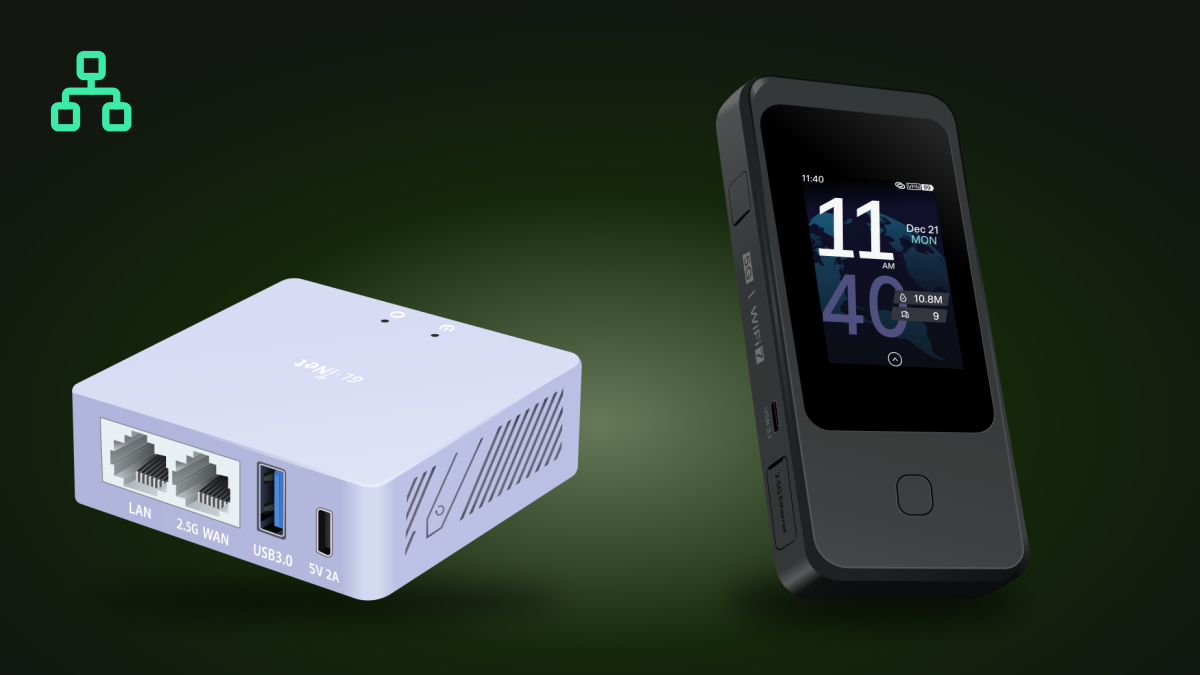
The most convenient way to add a device to a tailnet is to make that device the router rather than every gadget individually. Then a single Tailscale node serves the whole network behind it: phones, laptops, smart devices and consoles all get private access, even if they cannot run a Tailscale client themselves.
GL.iNet integrates Tailscale straight into the firmware. On supported models you just open the admin web panel → Applications → Tailscale, enable the service and sign in — no manual package installation. Tailscale support is available from firmware v4.2; the exit node mode (the router as an exit point) was added in v4.9. A router can act as a subnet router (exposing its LAN) and as an exit node at the same time.
GL.iNet routers that support Tailscale
The table below is verified against GL.iNet’s official documentation: every one of these models ships Tailscale built into the firmware (v4.2+). Each model name links to its page in the GemiGuard catalogue. All of the listed routers can act as both a subnet router and an exit node (since v4.9); the “best-fit role” column simply hints at where each form factor shines.
| Router | Model | Class | Best-fit Tailscale role |
|---|---|---|---|
| Mudi 7 | GL-E5800 | Portable 5G | Roaming node |
| Puli AX | GL-XE3000 | Portable 5G | Roaming node |
| Spitz Plus | GL-X2000 | 4G LTE, external antennas | Remote-site gateway |
| Spitz AX | GL-X3000 | 5G, external antennas | Remote-site gateway |
| Slate 7 | GL-BE3600 | Travel Wi-Fi | Travel node |
| Slate 7 Pro | GL-BE10000 | Travel Wi-Fi · tri-band | Travel node · exit node |
| Slate AX | GL-AXT1800 | Travel Wi-Fi | Travel node |
| Slate Plus | GL-A1300 | Travel Wi-Fi | Travel node |
| Beryl 7 | GL-MT3600BE | Travel Wi-Fi | Travel node |
| Beryl AX | GL-MT3000 | Travel Wi-Fi | Travel node |
| Flint | GL-AX1800 | Home Wi-Fi | Home subnet router |
| Flint 2 | GL-MT6000 | Home Wi-Fi | Home subnet router · exit node |
| Flint 3e | GL-BE6500 | Home Wi-Fi | Home subnet router · exit node |
| Flint 3 | GL-BE9300 | Home Wi-Fi | Home subnet router · exit node |
| Brume 2 | GL-MT2500 | Wired gateway | Always-on exit node |
| Brume 3 | GL-MT5000 | Wired gateway | Always-on exit node |
The compact wired gateways Brume 2 and Brume 3 suit Tailscale well: they draw little power, run around the clock and serve as an always-on exit node or subnet router at home or in the office.
Models without built-in Tailscale
A few catalogue models did not get Tailscale in the firmware — mostly because of insufficient memory. These are excellent WireGuard and OpenVPN routers, but for Tailscale specifically you are better off choosing a model from the table above.
| Router | Model | Reason |
|---|---|---|
| Mudi V2 | GL-E750V2 | Insufficient memory |
| Puli | GL-XE300 | Insufficient memory |
| Opal | GL-SFT1200 | Insufficient memory |
| Mango | GL-MT300N-V2 | Insufficient memory (16 MB flash) |
| Shadow | GL-AR300M16 | Insufficient memory (16 MB flash) |
How to enable Tailscale on your GL.iNet router
Update the firmware. Make sure the router is on firmware v4.2 or newer (v4.9+ for exit-node mode). Update it under System → Upgrade in the web panel.
Open the Tailscale section. In the admin web panel, go to Applications → Tailscale and enable the service.
Sign in. Click the login button — the Tailscale page opens, where you sign in with your account (Google, Microsoft, GitHub or email). The router joins your tailnet.
Enable the subnet router (optional). Allow access to the router’s LAN so you can “see” your home or office subnet from afar, and approve the route in the Tailscale admin console.
Enable the exit node (optional). On firmware v4.9+, turn the router into an exit point and approve it in the Tailscale console to route all traffic through it.
Security and privacy
Because Tailscale’s data plane is WireGuard, your traffic is protected by modern end-to-end cryptography, and private keys never leave the device. The coordination server and the DERP relays have no access to the contents by design — they only handle metadata and encrypted packets. ACLs let you replace the default all-to-all policy with a zero-trust model in which each device reaches only what it needs.
Tailscale is not an anonymity tool. Your identity is known to the tailnet coordinator — that is the whole point of identified access. If you need full sovereignty over the control plane, you can run it yourself with Headscale, an open-source implementation of the coordination server.
On GL.iNet routers, Tailscale pairs naturally with the privacy features GemiGuard adds: DNS encryption, log wiping and MAC/BSSID randomisation (GemiGuard Mirage), plus an outbound VPN over WireGuard or OpenVPN. Tailscale gives you private access to your devices; an outbound VPN hides your traffic on the public Internet — together they cover both jobs.
Conclusion
Tailscale is a modern way to build a private network out of your own devices: a WireGuard-based mesh, automatic NAT traversal, identity-based access and a zero-trust model, all without hand-managing keys. It does not replace a classic VPN, Tor or Cloudflare WARP — it solves a different problem, and reproduces VPN behaviour through an exit node when you need it.
The simplest way to switch Tailscale on for your whole network is a GL.iNet router with built-in support. Pick a model from the verified table above — from the pocket-sized Mudi 7 to the always-on wired gateway Brume 2 — and your tailnet is up in a few minutes.
Need an outbound VPN as well? Alongside Tailscale, we offer our own premium WireGuard VPN service, optimised for GL.iNet mobile routers. The GemiGuard VPN page →
See also: WireGuard and OpenVPN — a protocol comparison · GL.iNet VPN routers wholesale.