Overview
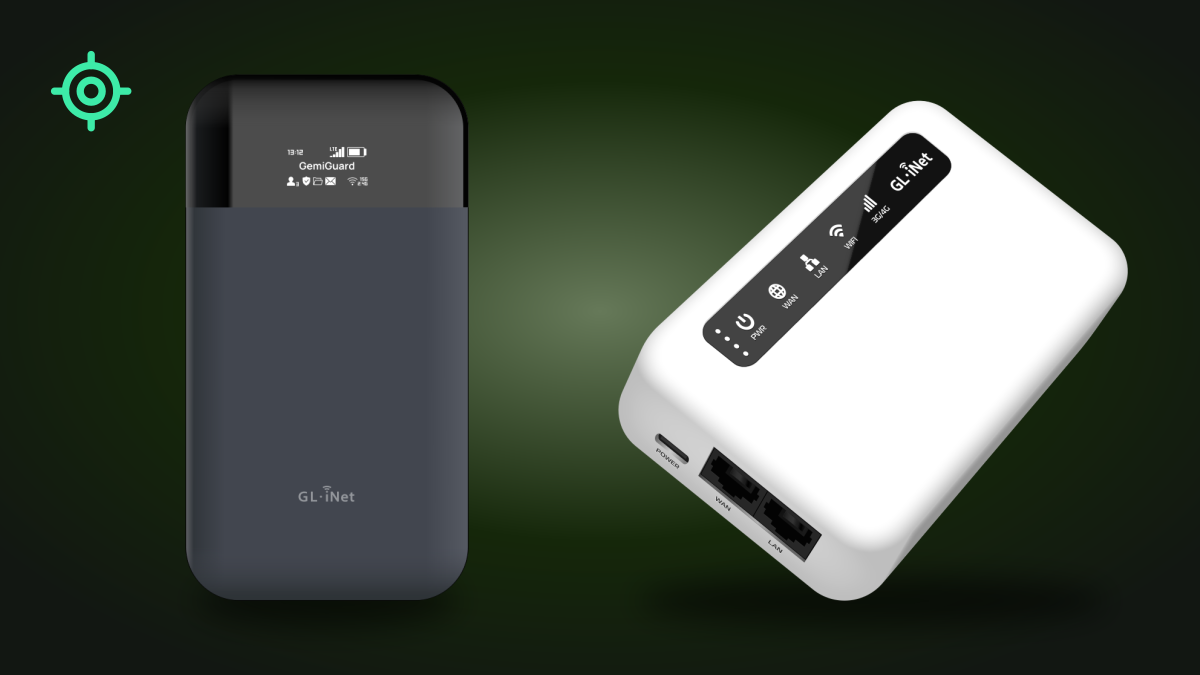
The GL.iNet GL-E750V2 Mudi and GL-XE300 Puli routers cannot transmit the user’s GPS coordinates. Neither device has a GPS antenna, and the GPS sensor in the modem chipset is disabled by default in the GL.iNet firmware.
Both devices are equipped with cellular modems that have integrated GNSS support (satellite navigation: GPS, GLONASS, BDS / BeiDou, Galileo, QZSS). However, the presence of the sensor in the chipset does not mean it is active or capable of working — that requires an antenna, which is absent in these devices.
Hardware configuration — no GPS antenna
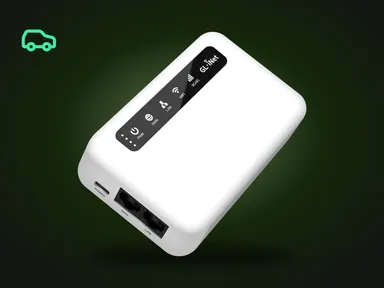
The GL.iNet Mudi GL-E750V2 is equipped with a Quectel EM060K-GL modem, while the GL.iNet Puli GL-XE300 uses a Quectel EG25-G modem. Both chipsets have a built-in GPS sensor.
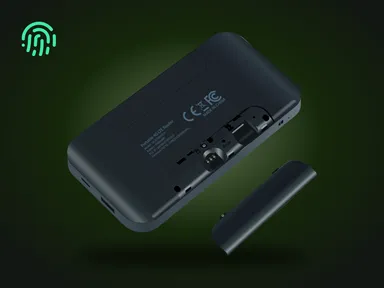
However, neither the Mudi nor the Puli has a GPS antenna. Even if the GPS sensor were enabled in software, without a dedicated antenna it cannot receive a satellite signal of sufficient quality to determine coordinates. The absence of an antenna is a hardware limitation that cannot be circumvented in software.
GPS status in the firmware
In the standard GL.iNet firmware for both devices, the modem’s GPS sensor is disabled by default. No additional steps are needed to turn it off — it is inactive right after the first boot.
For independent verification, we at GemiGuard ran testing by connecting to the device over SSH and using minicom to connect to the modem’s serial port (/dev/ttyUSB2). The AT command AT+QGPS? returns the response +QGPS: 0, which confirms that the GPS sensor is disabled.
AT command: AT+QGPS?
Response: +QGPS: 0
0 = GPS sensor disabled. This is the default value in the factory GL.iNet firmware.
Advanced users can run this check themselves. It requires SSH access to the device and basic Linux command-line skills.
So how is location determined then?
Even without GPS functionality, the location of a cellular device can be approximately determined through cell tower triangulation — this is done on the mobile operator’s side based on the device’s IMEI and IMSI.
This is a separate vector, unrelated to GPS, and protecting against it requires different measures — in particular, IMEI obfuscation. On the GL.iNet Mudi GL-E750V2, GemiGuard Mirage randomizes the IMEI, MAC and BSSID, giving each SIM card its own IMEI. For a detailed look at IMEI obfuscation, see our knowledge base article.
Conclusion
The GL.iNet Mudi GL-E750V2 and Puli GL-XE300 do not have a GPS antenna, and the GPS sensor in the Quectel modem chipsets is disabled by default in the GL.iNet firmware. These devices do not and cannot transmit the user’s GPS coordinates.
For comprehensive protection against location tracking, we recommend combining the use of these devices with IMEI obfuscation via GemiGuard Mirage and traffic encryption via GemiGuard VPN.
Related products: GL.iNet Mudi V2 · GL.iNet Puli.